
A lightweight screenshot
app for your Mac.
Capture, annotate, and record GIFs.
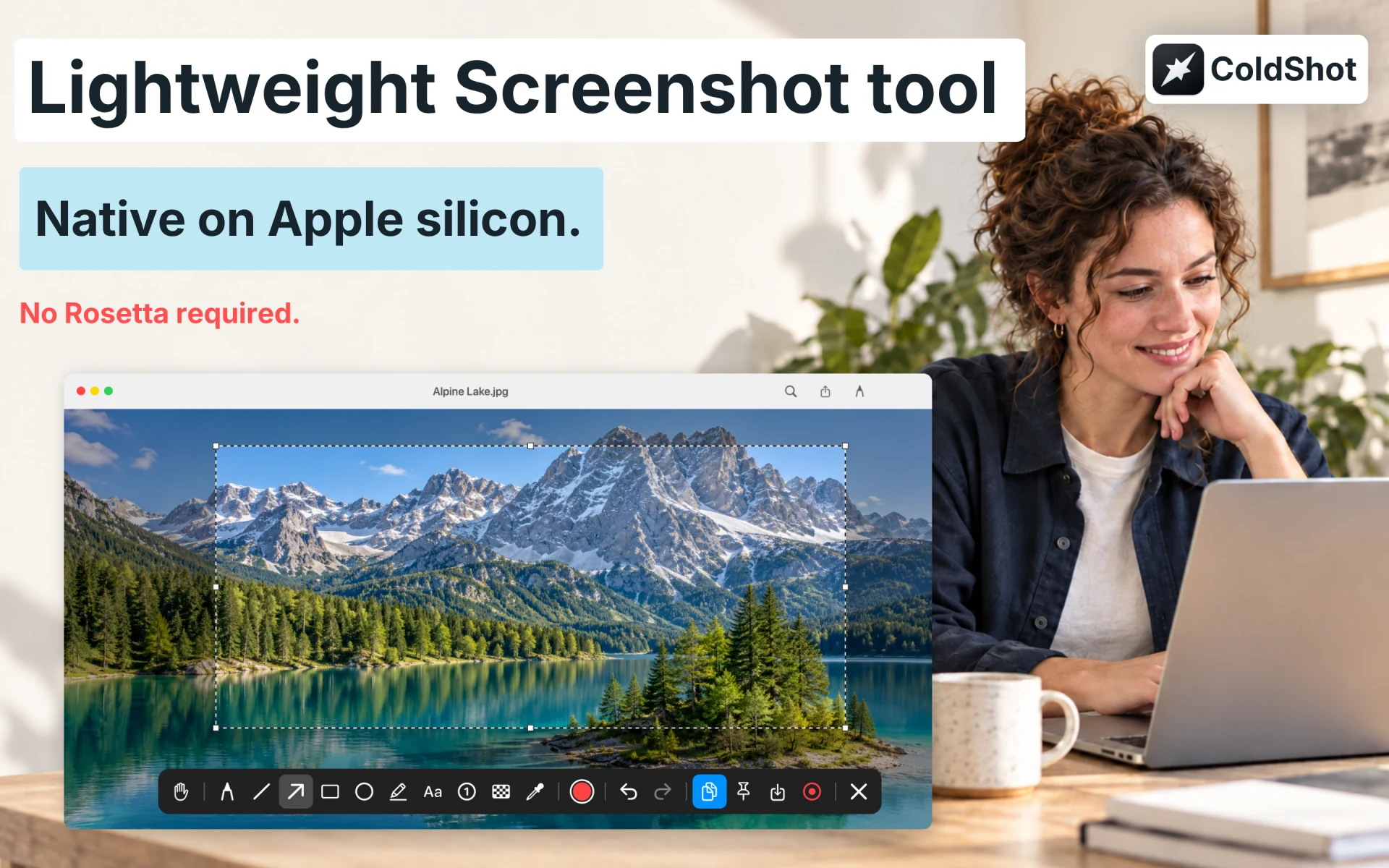
Native on Apple silicon. No Rosetta required.
Download on the Mac App StoreColdShot screenshots
A few tools. Everything you need.
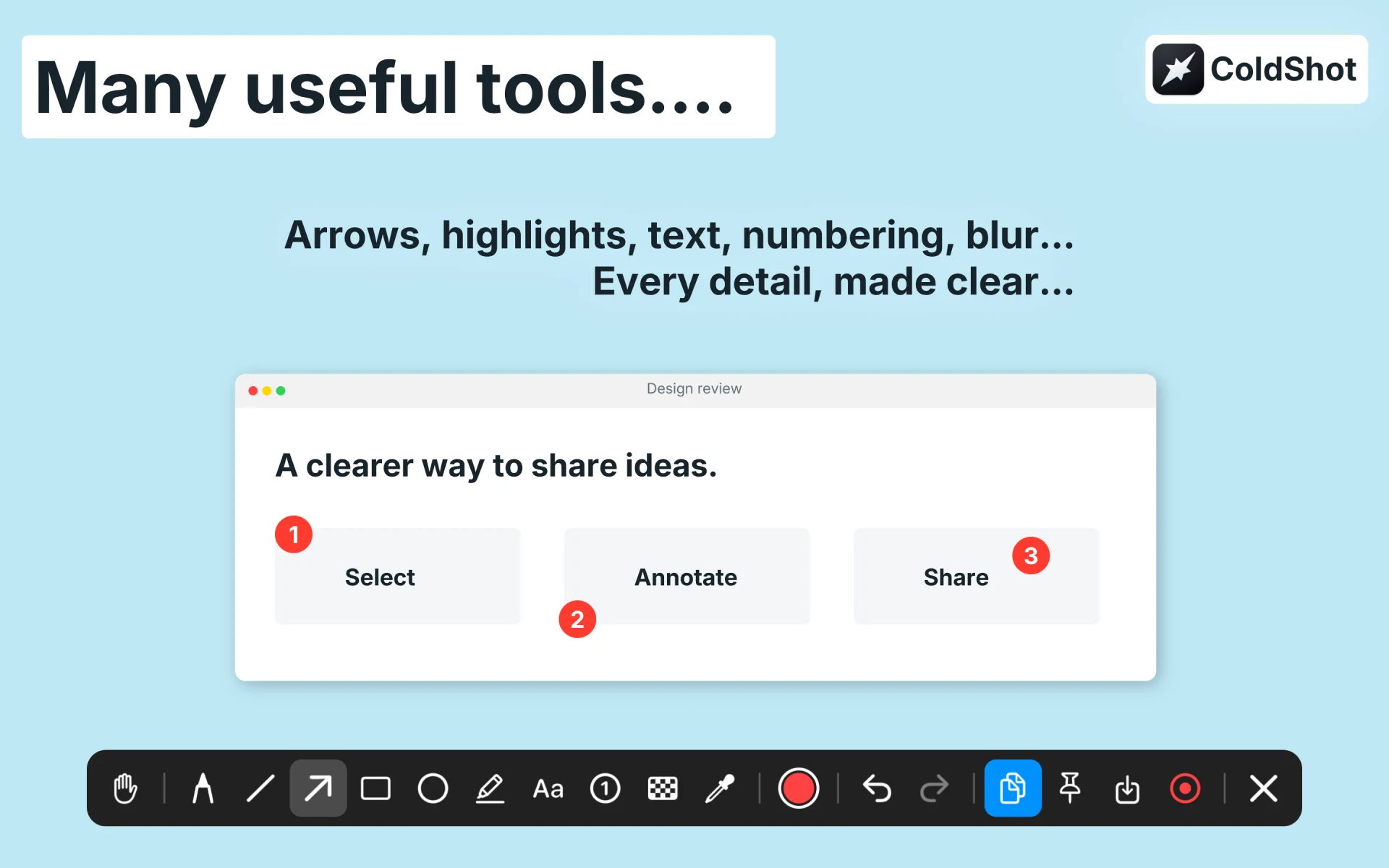
Capture & annotate
Select an area. Add arrows, text, highlights, or numbered steps.
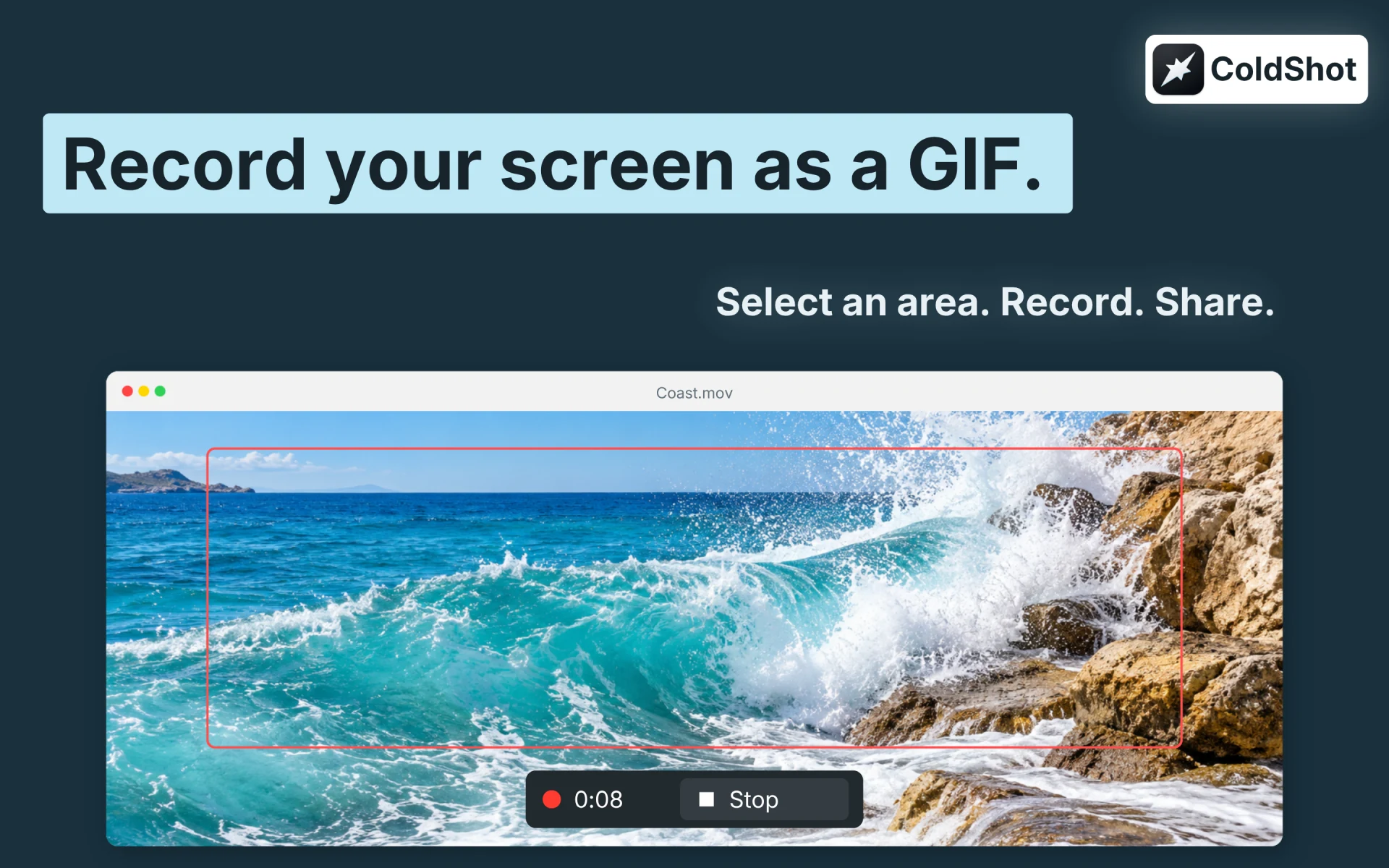
Record a quick GIF
Turn any part of your screen into a short GIF in a few clicks.
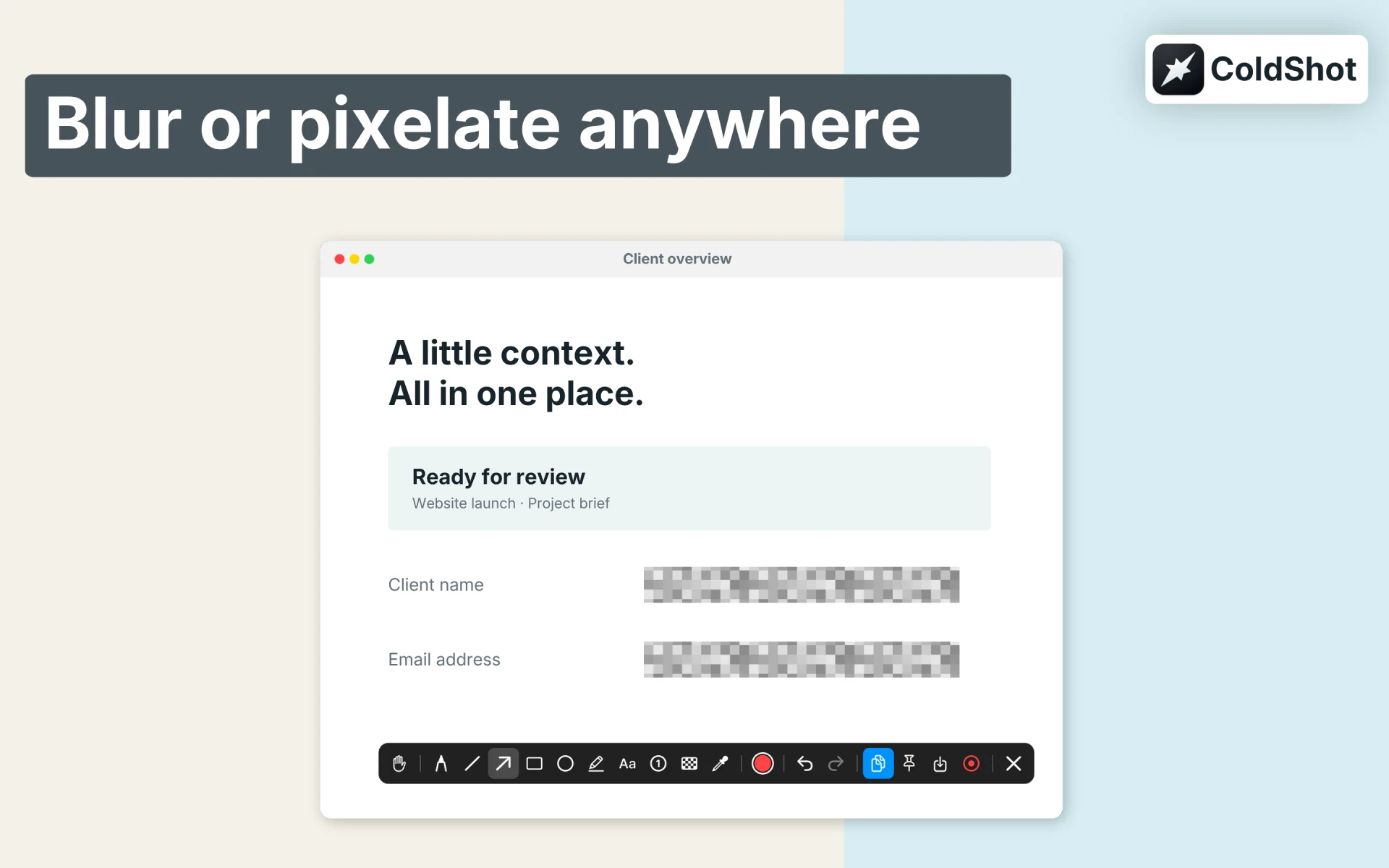
Share with confidence
Blur private details, copy to the clipboard, or pin a screenshot.
Screenshot app asking for Rosetta?
Seeing a “needs to be updated” warning in an older screenshot app? ColdShot runs natively on Apple silicon, without Rosetta 2. If you’re looking for a lightweight Lightshot alternative for Mac, it keeps capture and annotation simple. Intel Macs are supported too.
Apple is ending general-purpose Rosetta support after macOS 27. Read Apple’s explanation.
ColdShot Support
Need help, found a bug, or have an idea? Email us with your macOS and ColdShot versions.
info@cattech.com.trGetting started
ColdShot lives in your Mac’s menu bar. Choose Take Screenshot and allow screen recording when prompted.
For permission issues, open System Settings → Privacy & Security, enable screen recording for ColdShot, and reopen the app if macOS asks.